
Codexese
Write anything. It becomes a page from a book nobody can read.


For iPhone and iPad. On Mac: the App Store version is in review, or download the Mac app (signed and notarized by Apple).
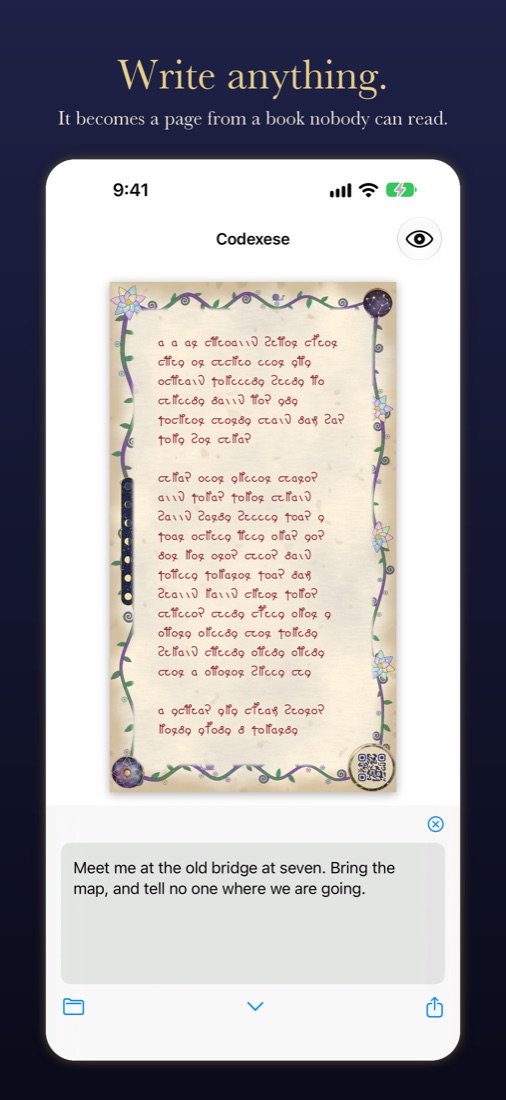
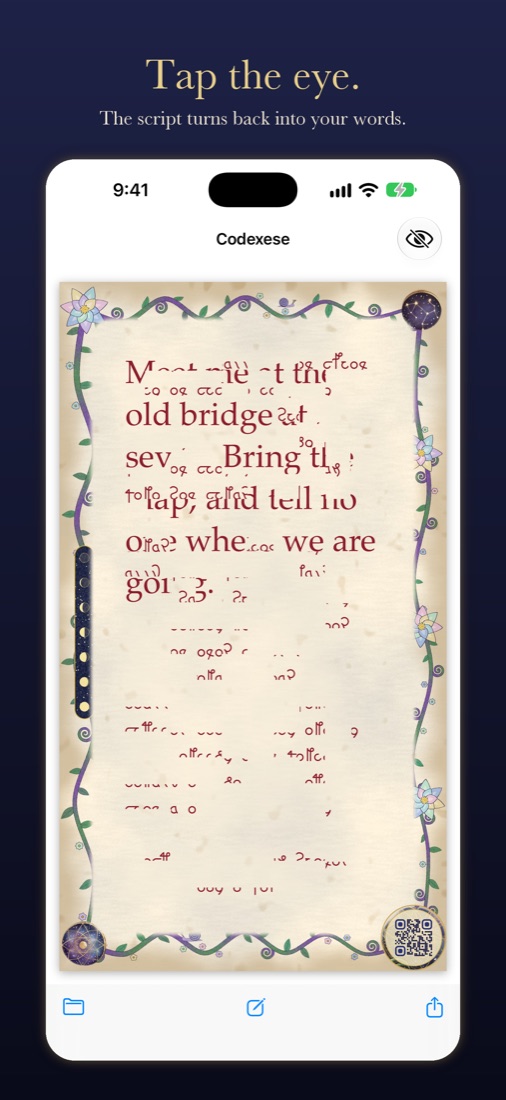
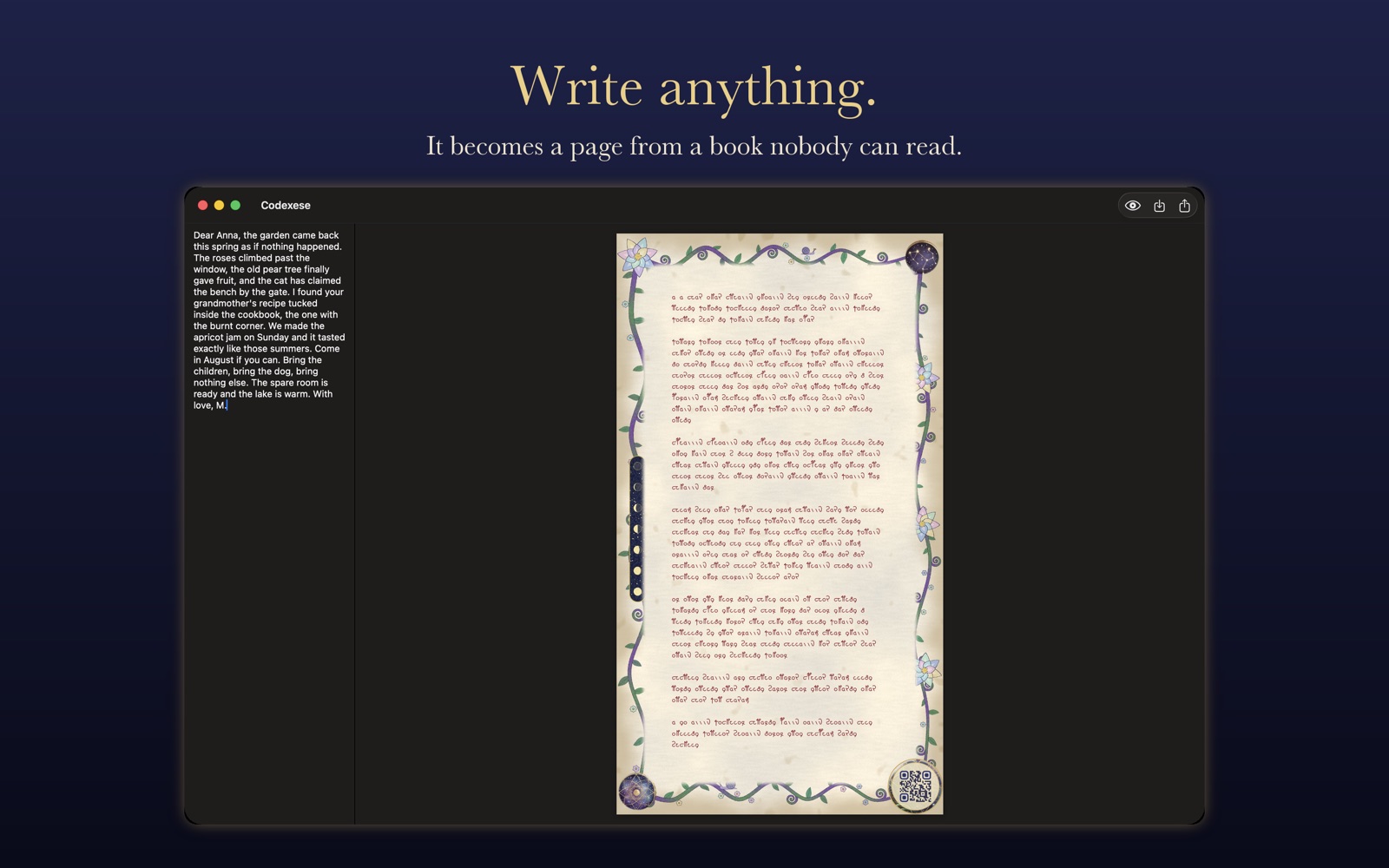
Codexese turns your message into a page of an old manuscript. Page looks like it came from a medieval book nobody can read: strange letters, parchment, flowers on the margins. But it is not random. Every word you wrote is there, and Codexese can read it back.
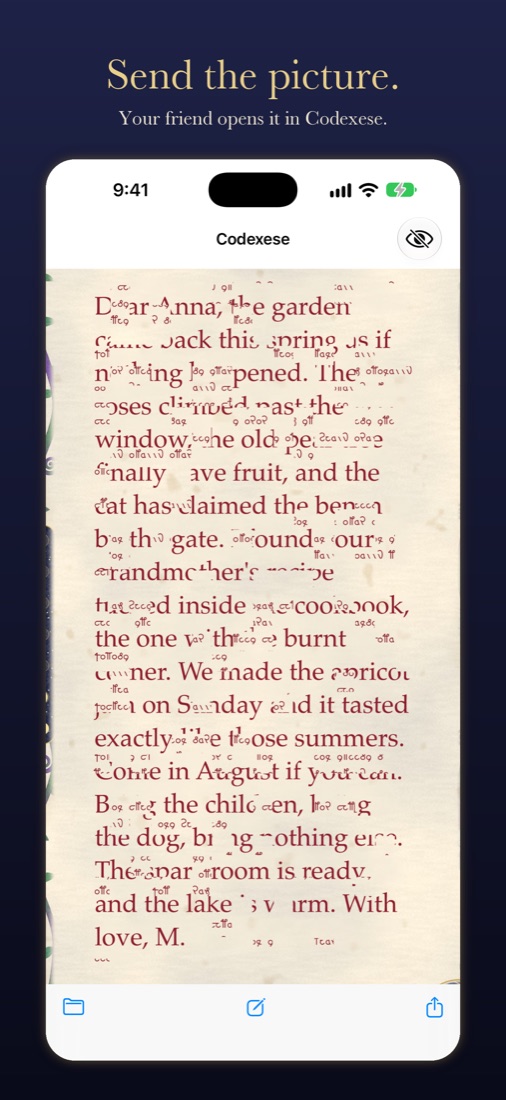
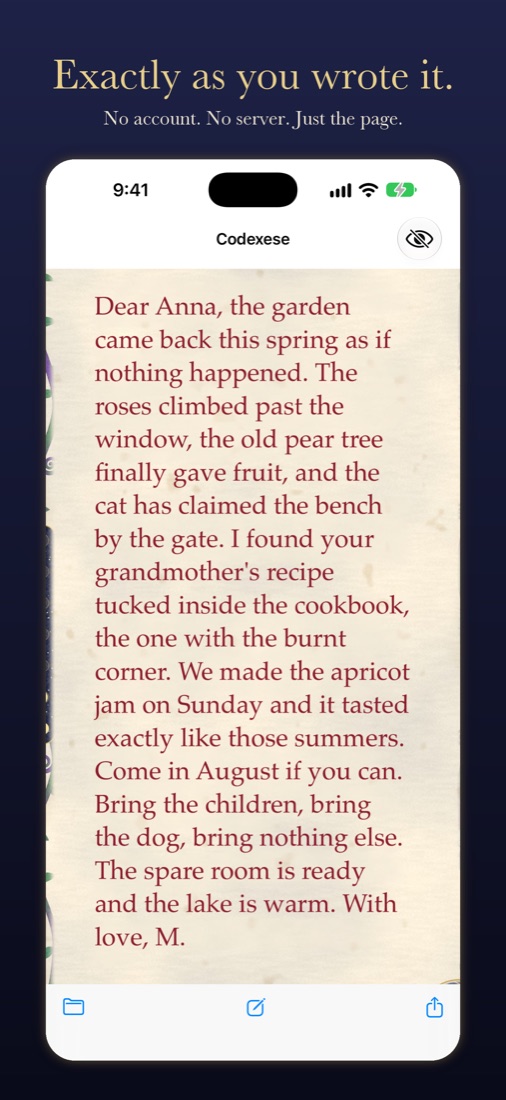
Send the page to a friend by any messenger, mail or social network. Your friend opens it in Codexese and the words come back, exactly as you wrote them.
Is it secret? No.
Codexese does not encrypt anything. It is not a lock and not a safe. Anybody who has Codexese can read your page in one second. Please do not use it for passwords, bank numbers or real secrets.
So why use it? Because it is fun. Your message looks like a page from a very old book. And one more thing: the page is a picture of made-up letters, not normal text. Computer programs that collect text from posts and chats, like AI bots, are made to read normal letters. They see a pretty old picture, not your words. A person who wants to read it just needs Codexese.
How it works
- Write a short message. The page is made right away, while you type.
- Tap the eye and watch your words come through the old script.
- Share the picture or save it to Photos.
- To read a page, open the picture in Codexese, or share it to Codexese right from Photos. On Mac, drop it on the window.
On Mac too
The Mac App Store version is in review. Until then, download Codexese for Mac, open the file and drag Codexese to Applications. Or, if you like Homebrew, install it in Terminal:
brew tap leok7v/tap
brew trust leok7v/tap
brew install --cask codexese
The Mac build is signed by Apple Developer ID and notarized.
Good to know
- No account, no server, no ads, no tracking. Everything happens on your device. See the privacy policy.
- One page holds about 180 words. Codexese does not let you write more than fits, so every page can be read back.
- Send the picture at full size. Some messengers make pictures smaller, and a page with small letters may not read back.
- The round seal in the corner of every page is a QR code. It opens Codexese in the App Store.
Support
Something does not work, a page does not read back, or you have an idea? Write me to leo.kuznetsov@gmail.com. Please say which device you use and, if you can, attach the picture that did not read.